Meet NexCheck
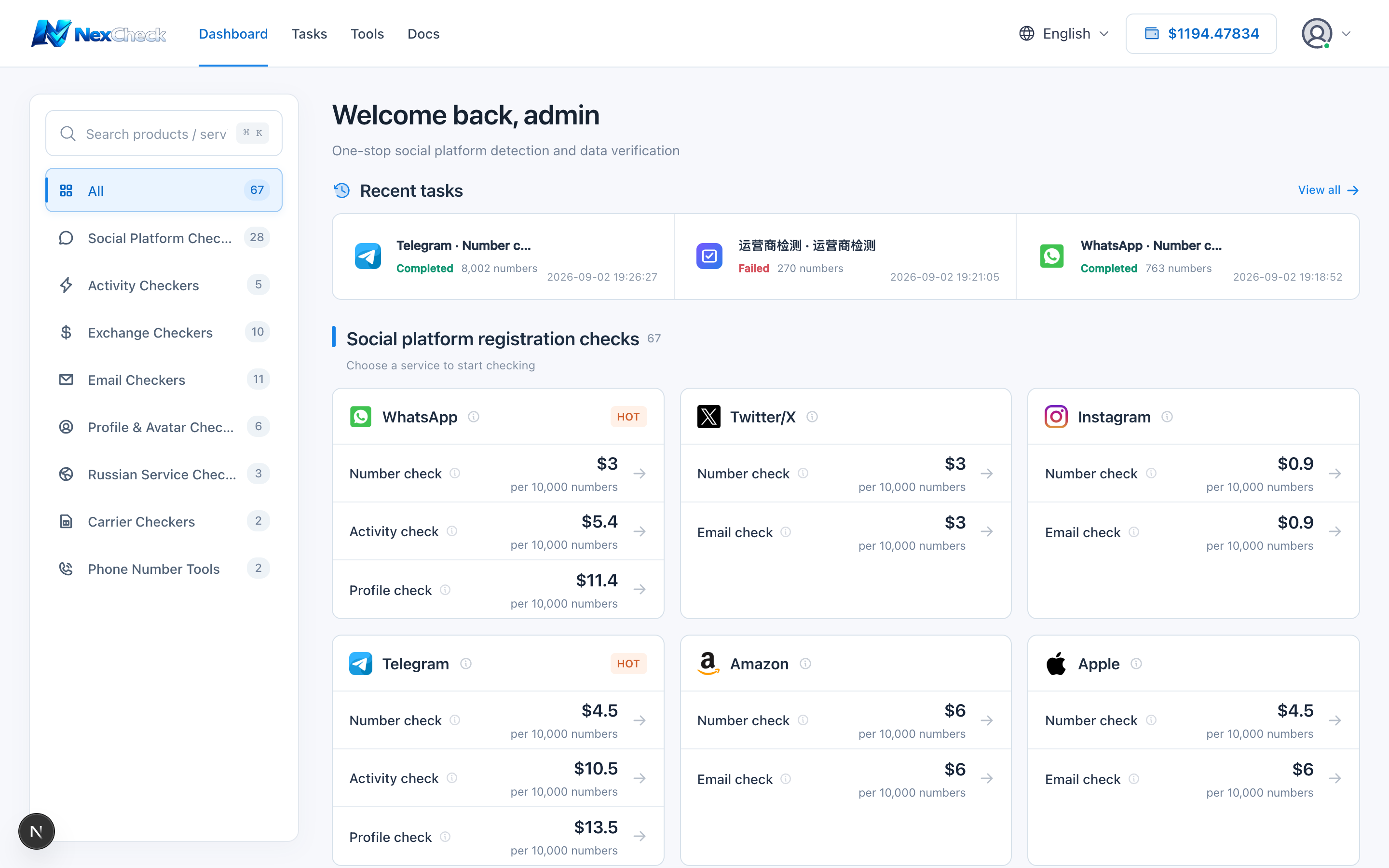
NexCheck is a prepaid platform for bulk phone-number and email checking. Choose a project, upload a list, and receive a result you can preview or download.
Steps
- 1
Create an account and sign in.
- 2
Add balance; a task is charged when it is created, based on project price and quantity.
- 3
Choose a project on the dashboard, upload a file, and create the task.
- 4
Track status in Task Center, then preview or download the result.
Limits and cautions
- Failed tasks are refunded automatically in full. For partially successful tasks, follow the product rules and result shown in the interface.
- Screenshots use demo data. Emails, user IDs, referral codes, task IDs, recharge IDs, and result phone numbers are replaced.