5-minute quick start
Follow this shortest path to complete your first check. Have sufficient balance and a file within the project quantity range ready.
Before you start
- You are signed in.
- Your CSV, TXT, or XLSX file has target values in the first column.
Steps
- 1
Open the dashboard and select “Use now” on a project card.
- 2
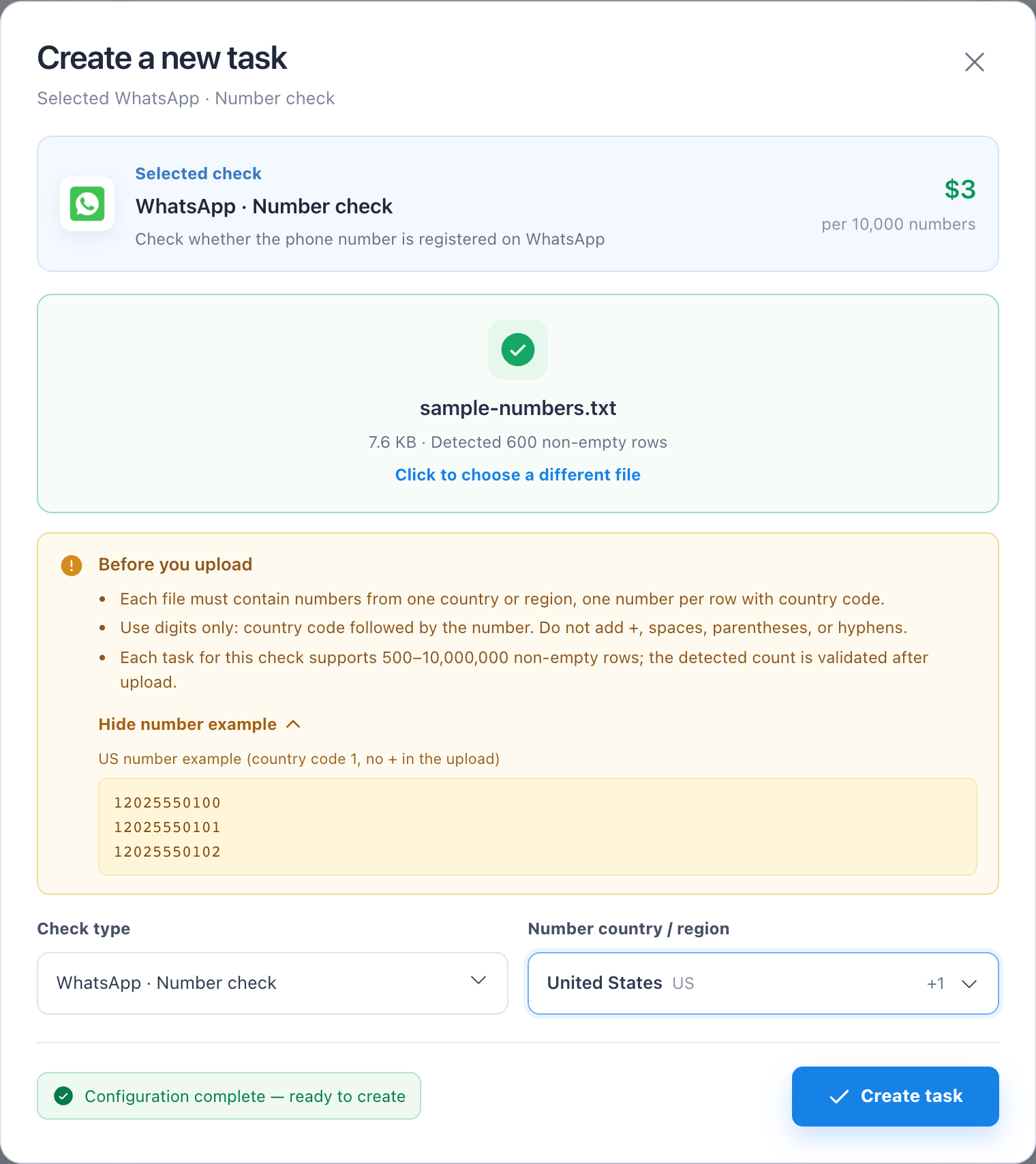
Drop or select the file; phone projects also require a country or region.
- 3
Confirm the detected quantity, unit price, and estimated cost, then create the task.
- 4
Go to Task Center, wait for “Success,” then preview or download the result.
Troubleshooting
- If the create button is disabled, check the country selection, file row count, and balance.