Balance and pricing
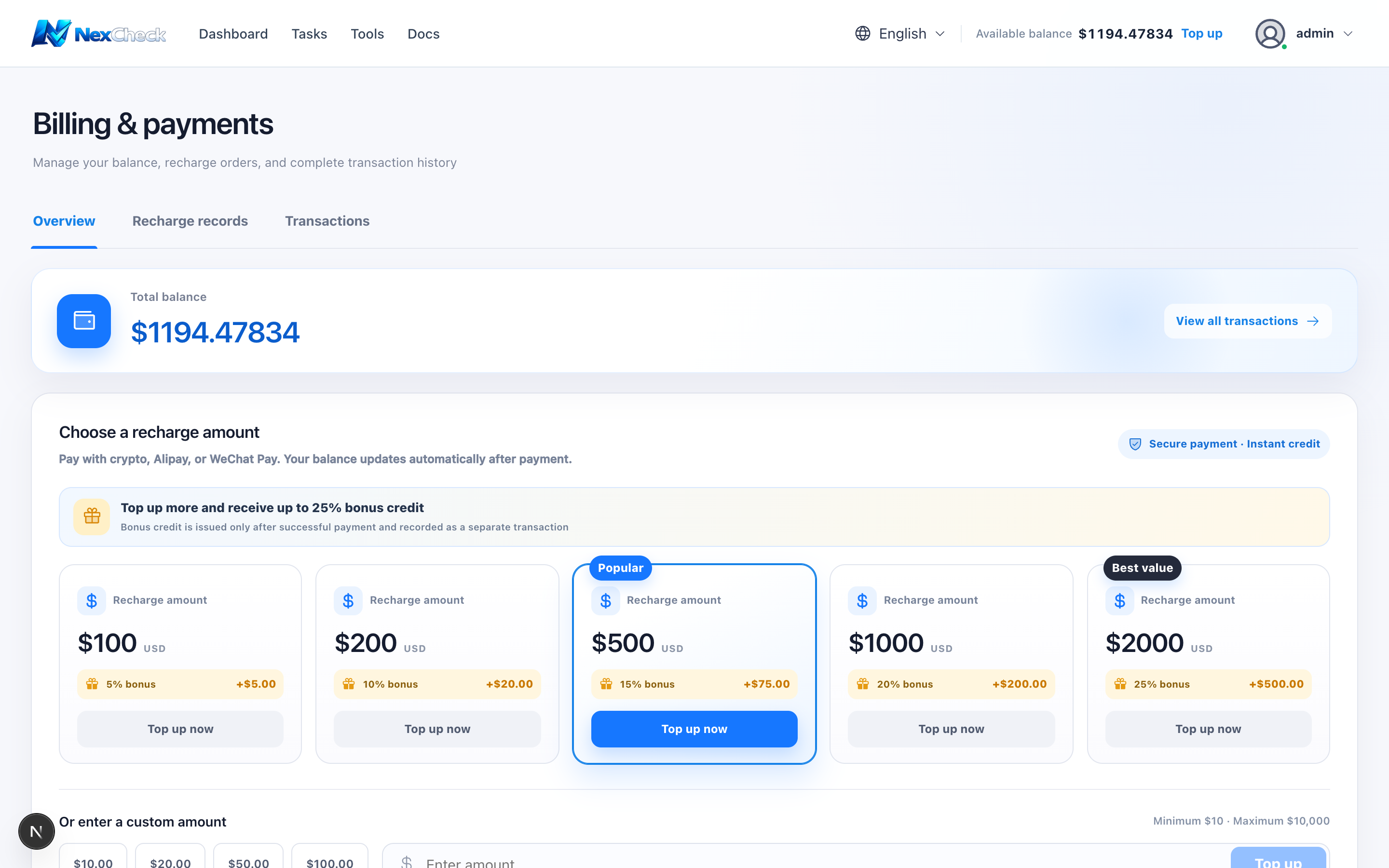
Total balance shows available funds. Projects are typically priced per 10,000 items, and the task charge is calculated from the actual quantity at creation time.
Steps
- 1
Select the top balance button or open Billing & Payment.
- 2
Review total balance, recharge packages, custom amount, and recent recharges on Overview.
- 3
Recent recharges show the order ID and creation time; paid orders also show completion time.
- 4
Reconcile top-ups, gifts, consumption, and refunds in Transaction records.
Limits and cautions
- All displayed amounts are USD. A failed-task refund appears as a separate refund transaction.