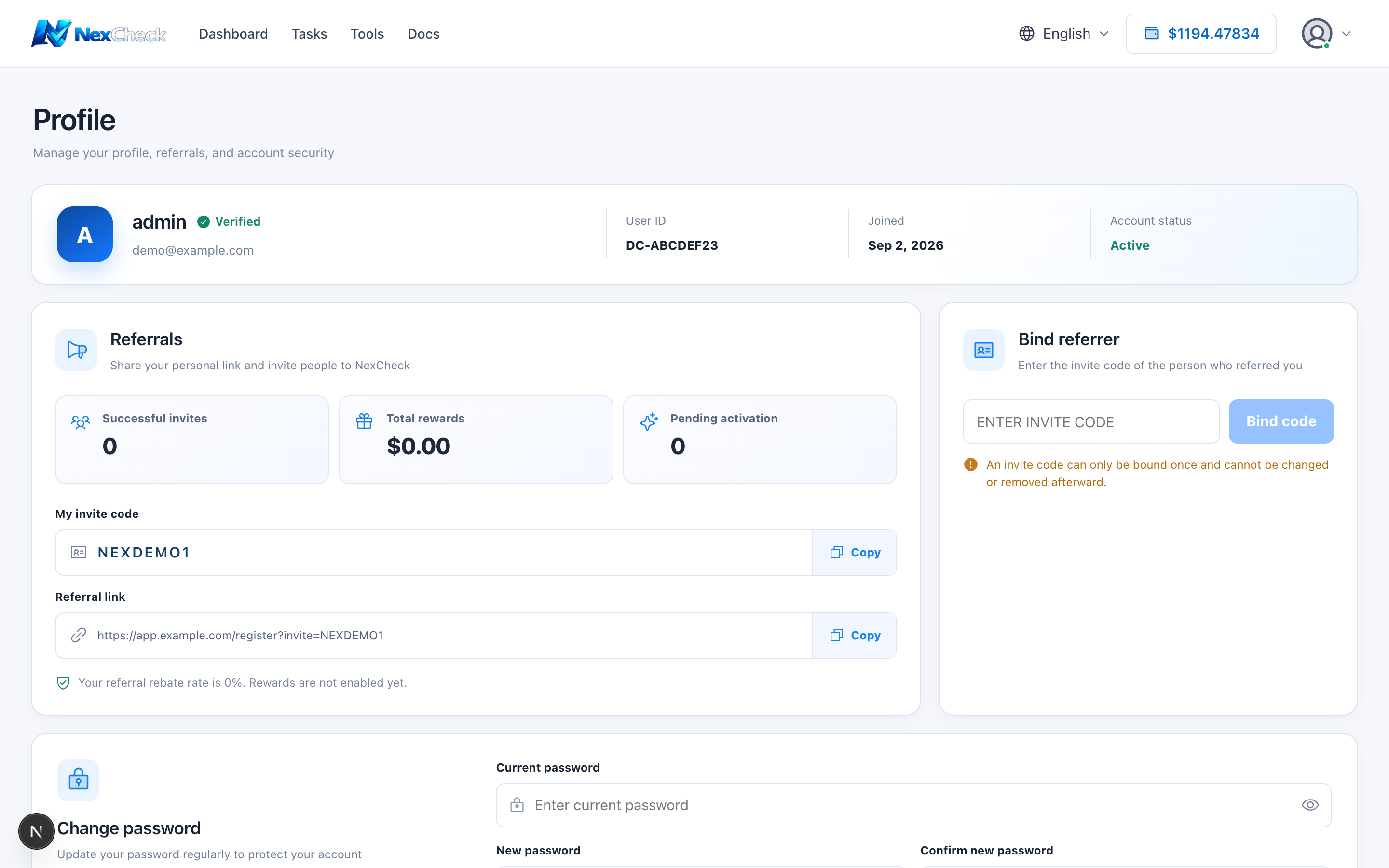
Profile overview
Profile shows the account email, public user ID, invitation link, referrer relationship, and password settings.
Steps
- 1
Open Profile from the account menu.
- 2
Verify email and public user ID; prefer the public ID when contacting support.
- 3
Before copying an invitation link, verify the recipient is trusted.
- 4
Change the password in Security settings when needed.