Interface tour
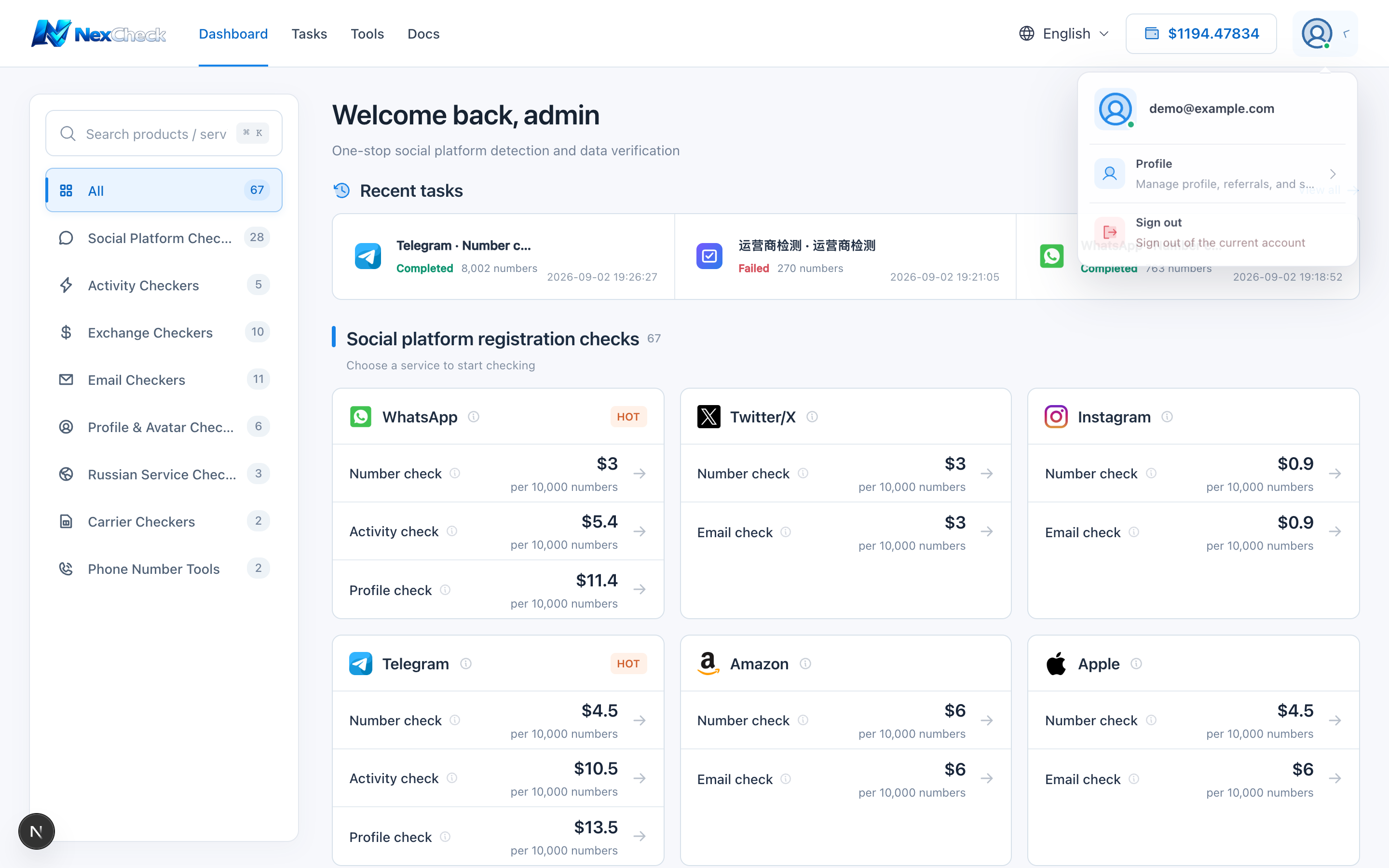
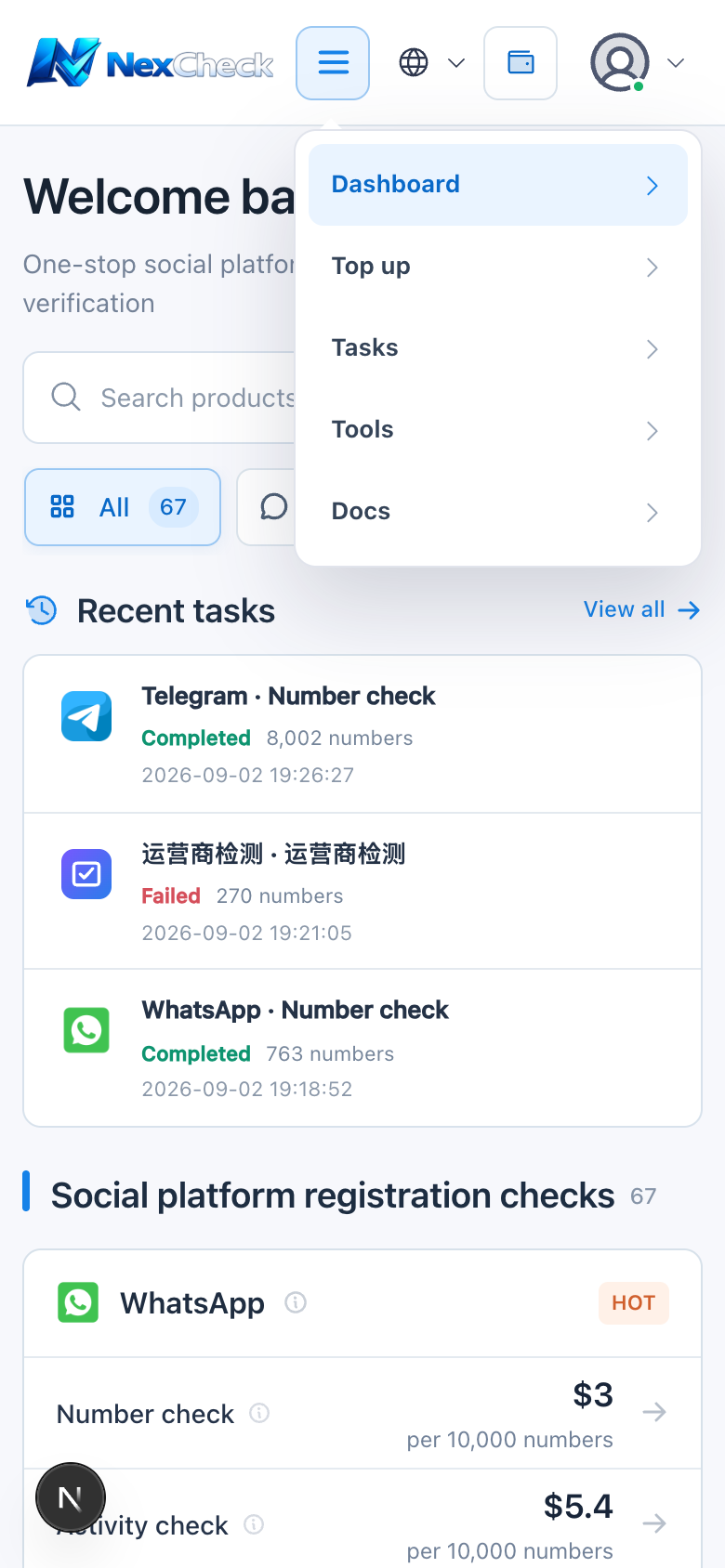
The top navigation provides Dashboard, Tasks, Tools, Docs, language, balance, and the account menu. Most workflows start on the dashboard.
Steps
- 1
Dashboard: browse and search check projects and see recent tasks.
- 2
Tasks: filter tasks, expand details, preview, download, or continue checking.
- 3
Tools: generate or clean phone numbers without creating a paid task.
- 4
Balance button: open Billing & Payment. Account menu: open Profile or sign out.