Create an account
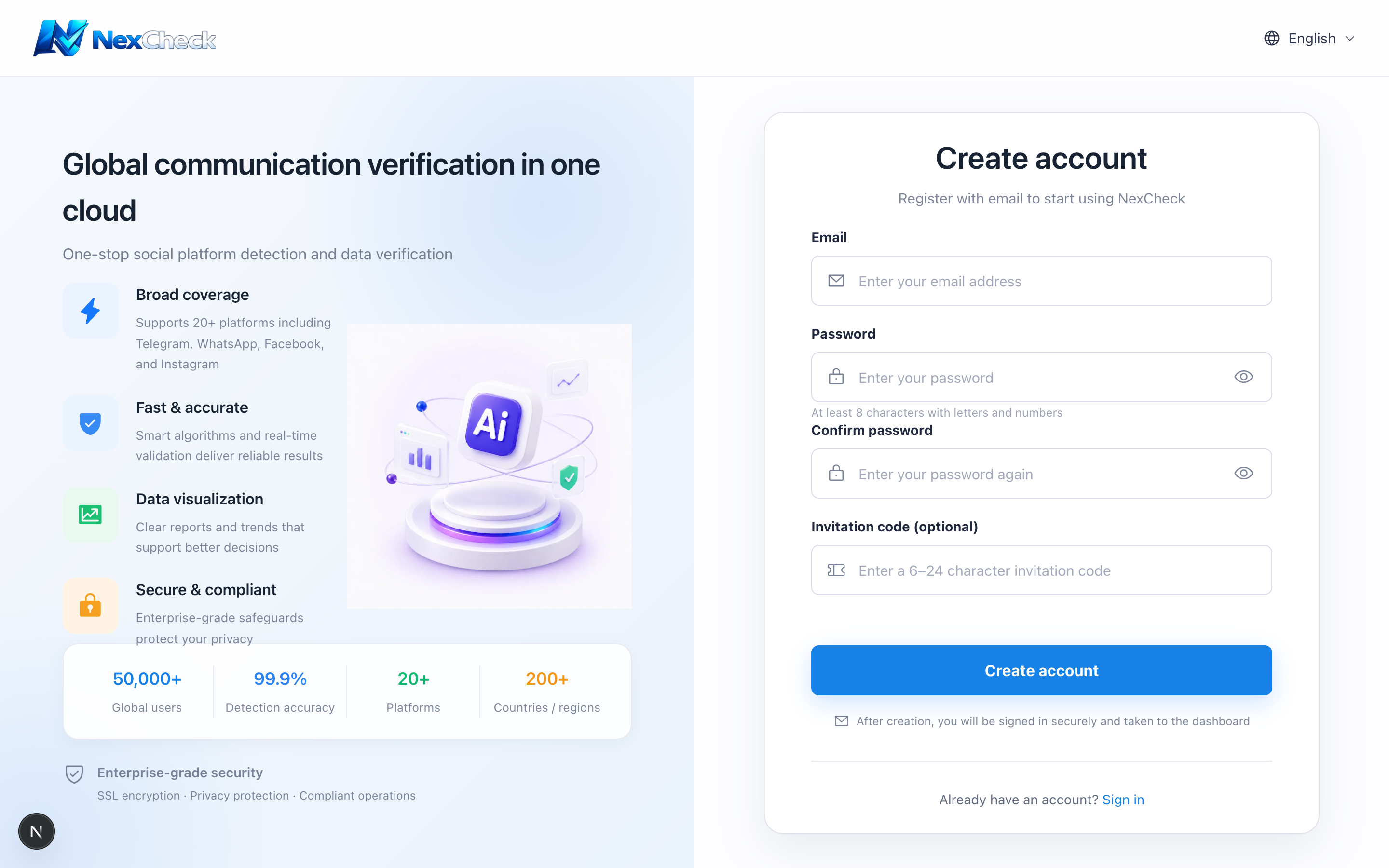
Register with an email address you can access. After registration, you can sign in directly; there is no separate email-verification step.
Steps
- 1
Open the registration page and enter your email.
- 2
Set a password of at least 8 characters containing letters and numbers, then confirm it.
- 3
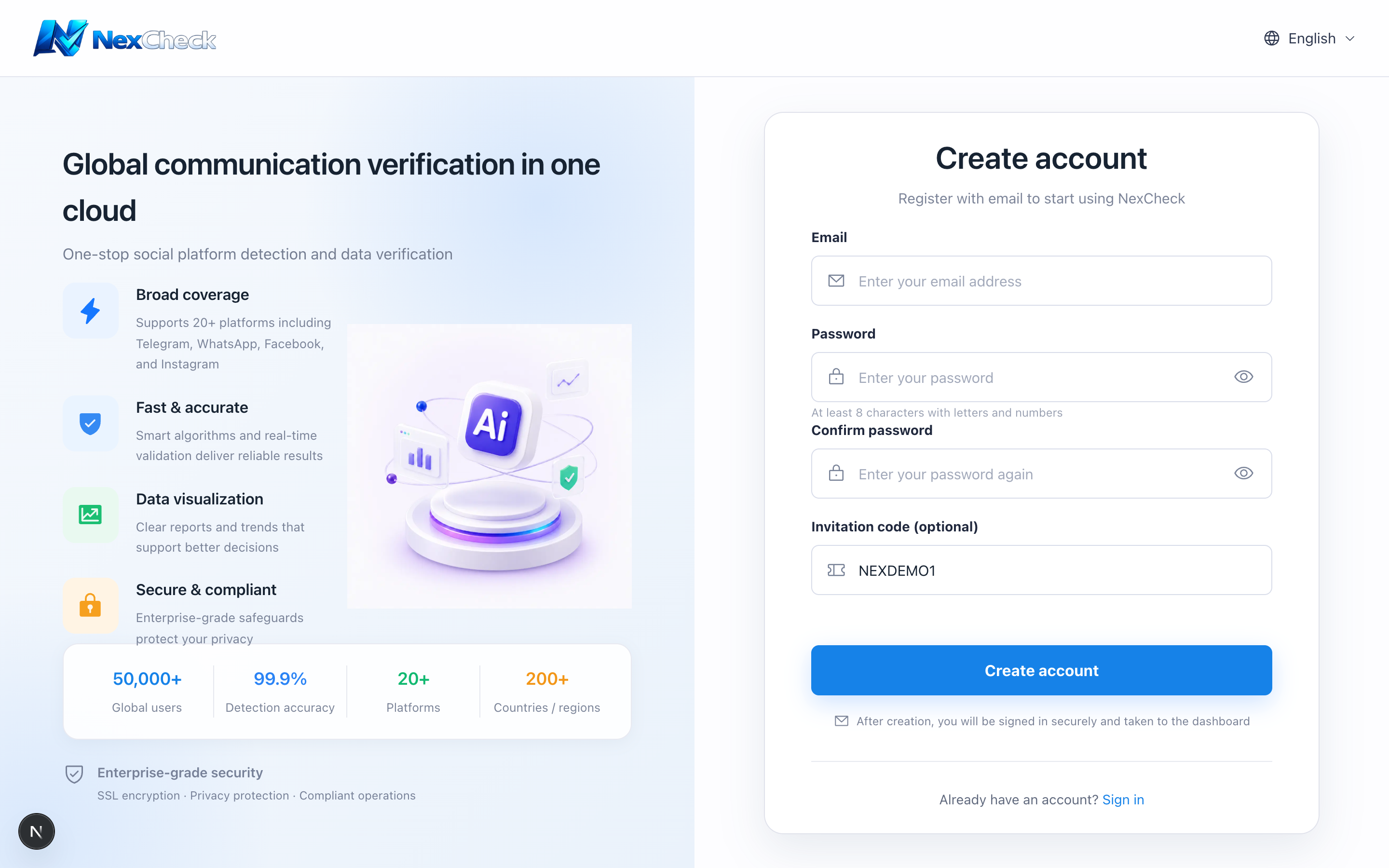
If you have a referral code, enter it or use an invitation link containing the invite parameter.
- 4
Complete the human-verification check and submit.
Limits and cautions
- Referral codes are account relationship data. Do not share full invitation links in public channels.