Reset a forgotten password
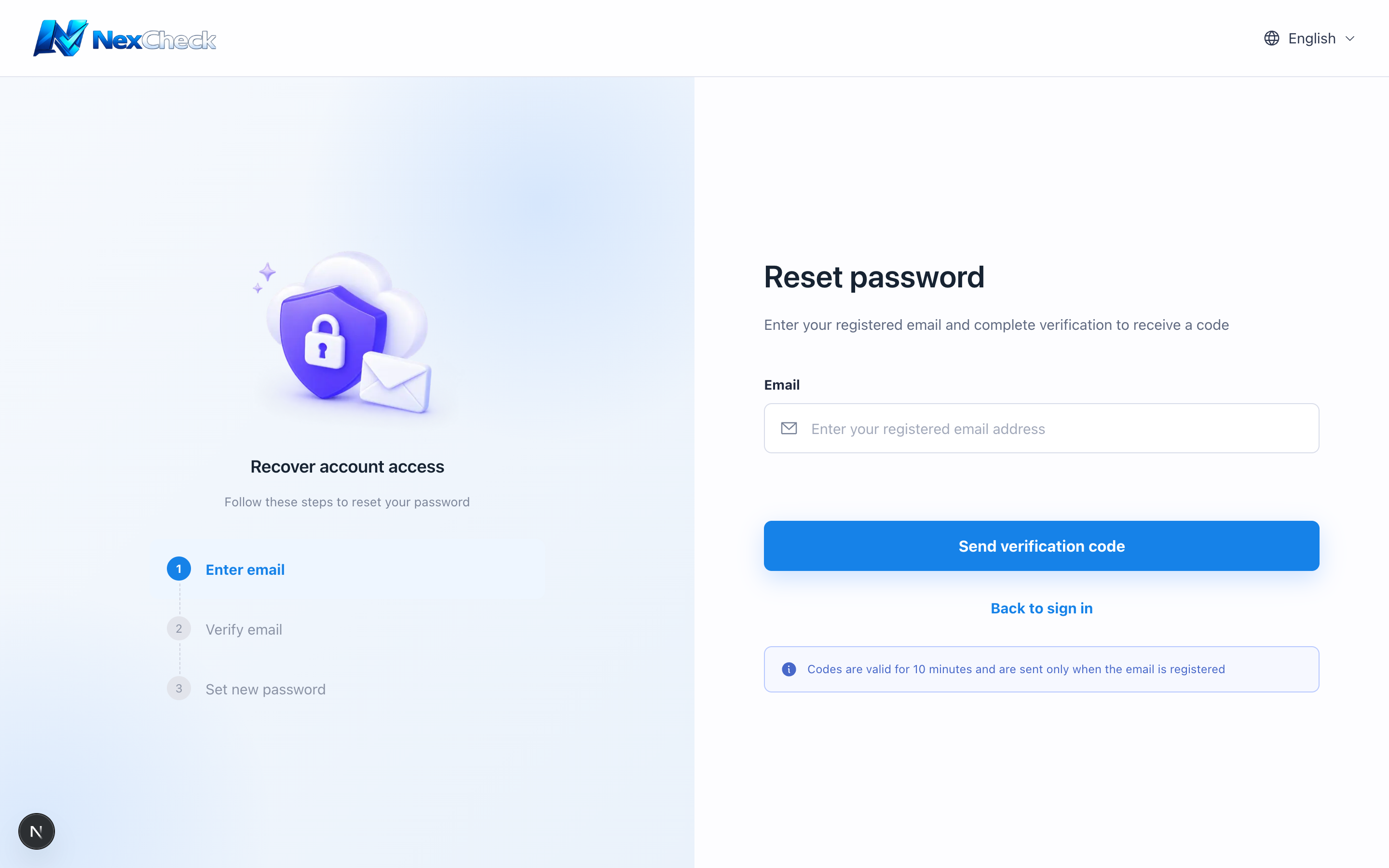
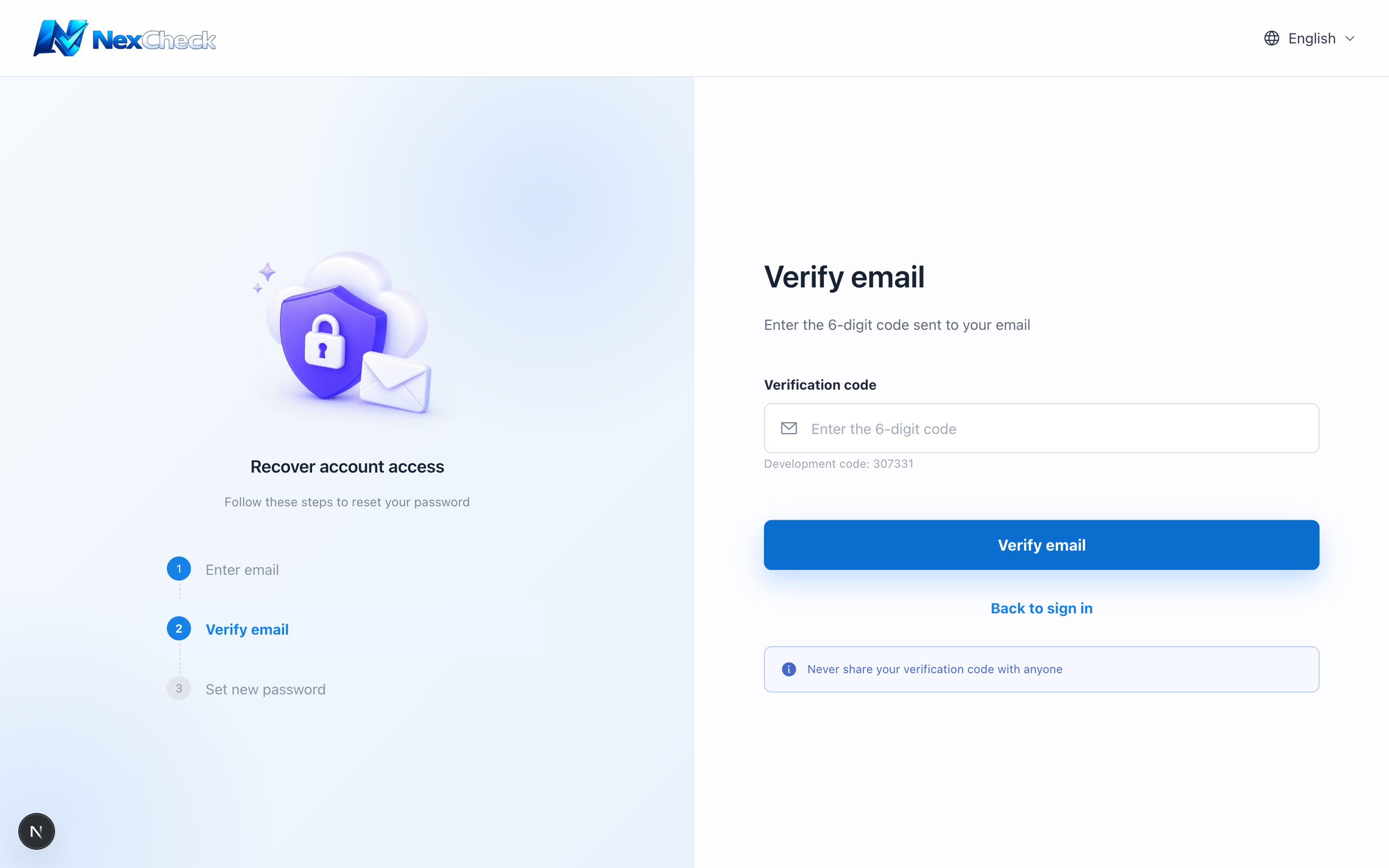
Password reset has three steps: email, verification code, and new password. The code is valid for 10 minutes.
Steps
- 1
Select “Forgot password” on the sign-in page, enter your registered email, and request a code.
- 2
Copy the 6-digit code from the email and submit it.
- 3
Set and confirm a new password that meets the password rules.
- 4
Return to sign in with the new password.
Troubleshooting
- Check spam if the email does not arrive. Avoid rapid repeated requests because a daily limit applies.