Change your password
Signed-in users can change their password in Profile. Use the new password for future sign-ins.
Before you start
- You know your current password.
Steps
- 1
Open the account menu and go to Profile.
- 2
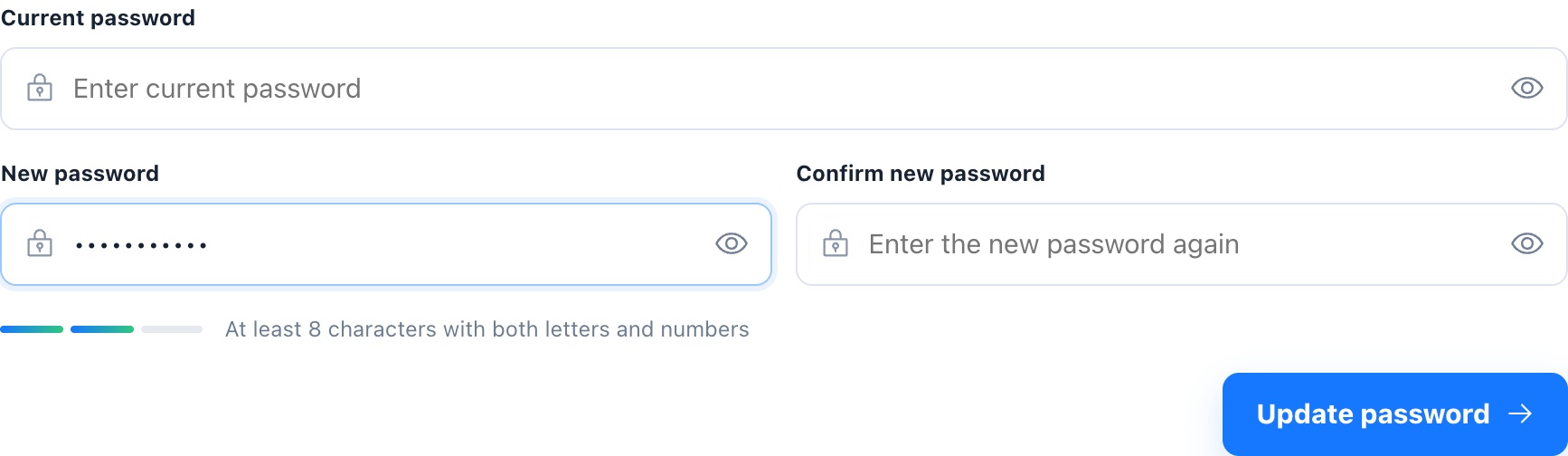
In Security settings, enter the current password, new password, and confirmation.
- 3
Confirm the new password has at least 8 characters with letters and numbers.
- 4
Submit the change. Never send passwords in screenshots, tickets, or chats.