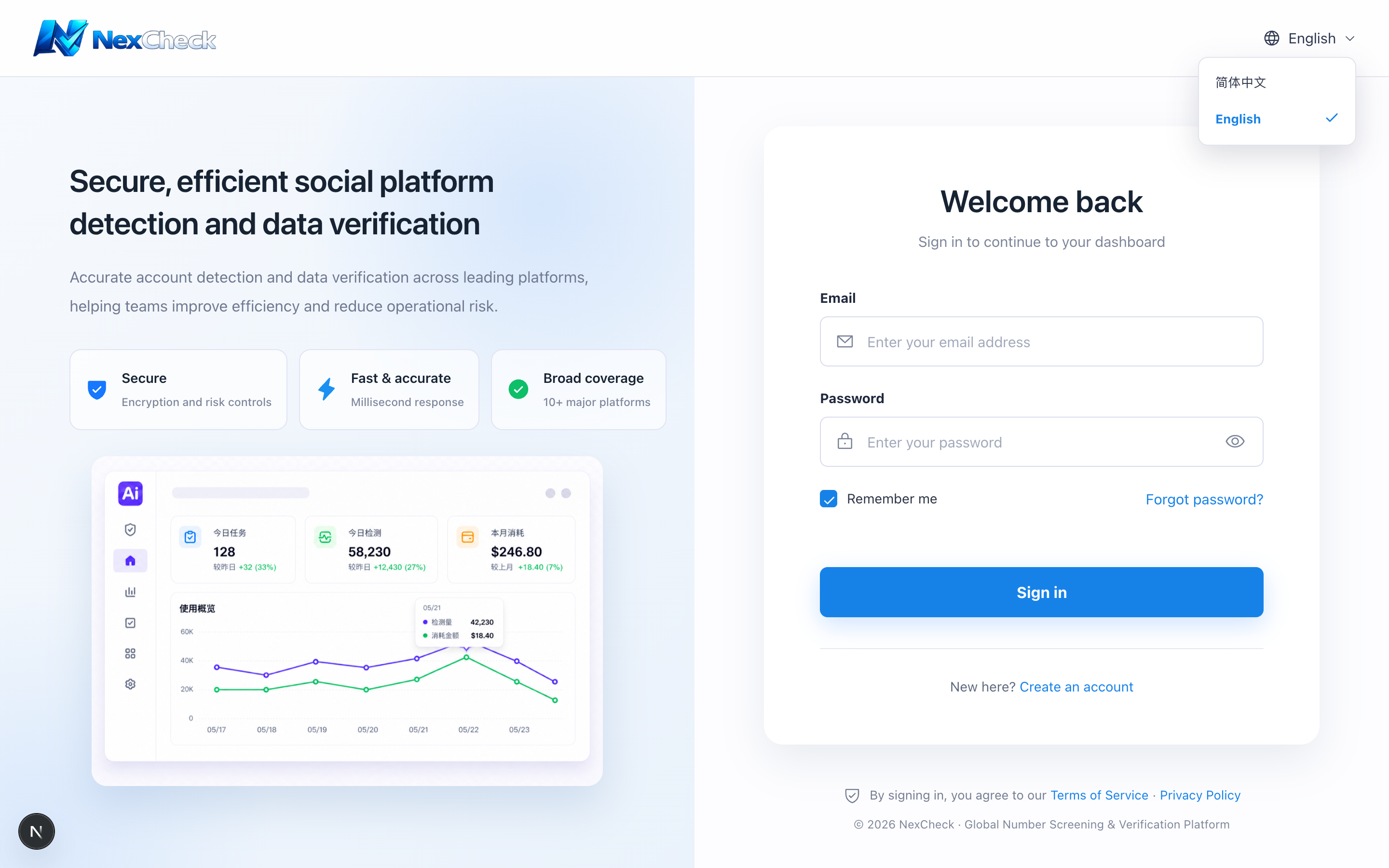
Change language
NexCheck supports Simplified Chinese and English. The choice is saved in the current browser and does not sync with your account.
Steps
- 1
Select the language button in the top navigation.
- 2
Choose “简体中文” or “English.”
- 3
The page switches immediately; choose again on another device.