Bind a referrer
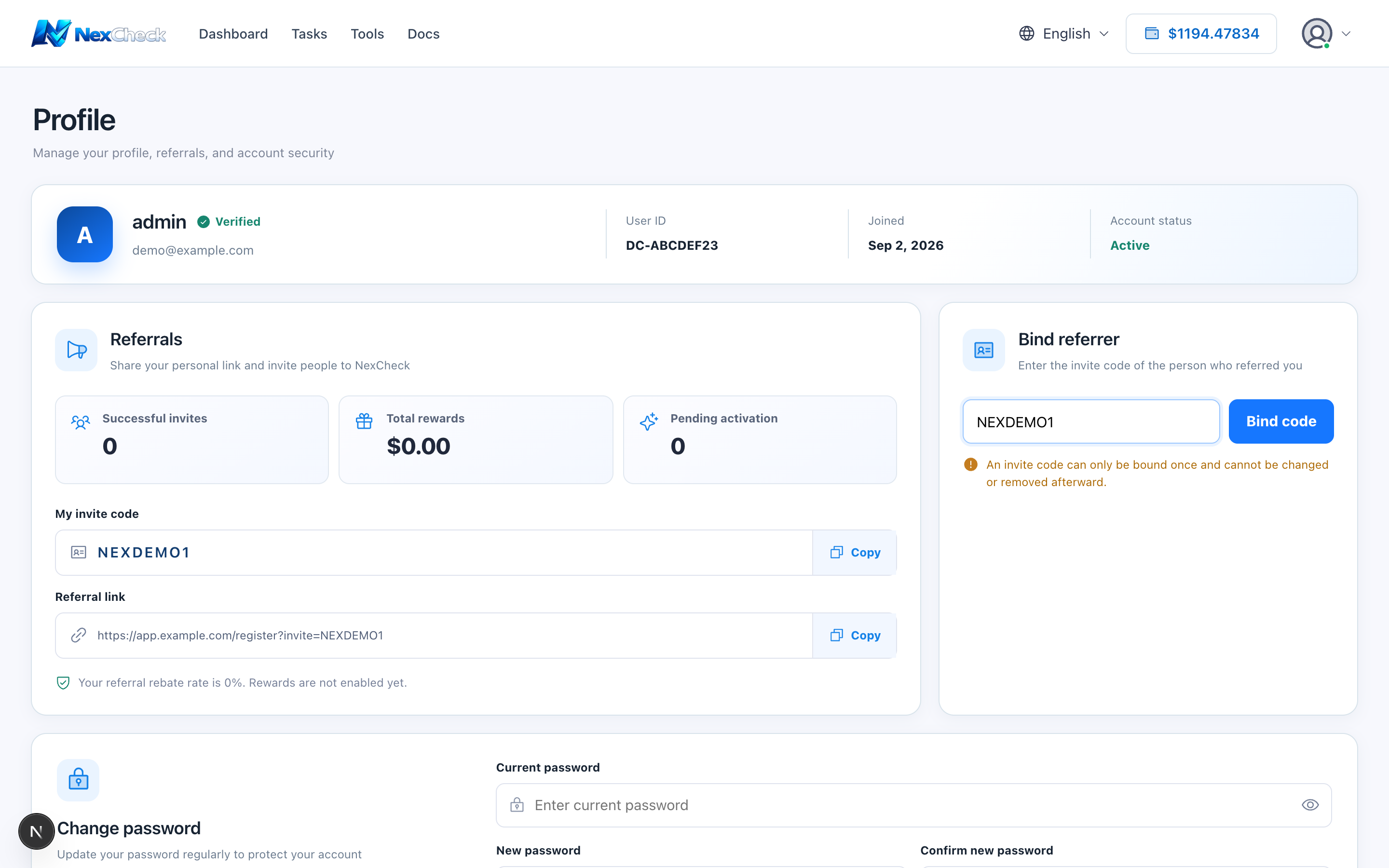
If no referrer is bound, enter a valid code in Profile. Referral relationships generally cannot be changed freely, so verify before submitting.
Steps
- 1
Open Profile and locate the Referrer section.
- 2
Enter the code supplied by the referrer.
- 3
Verify the characters and owner, then submit.
- 4
Refresh and confirm the relationship is shown.
Troubleshooting
- For an invalid code, an already-bound account, or another eligibility issue, save a redacted message and contact support.