Phone number cleaner
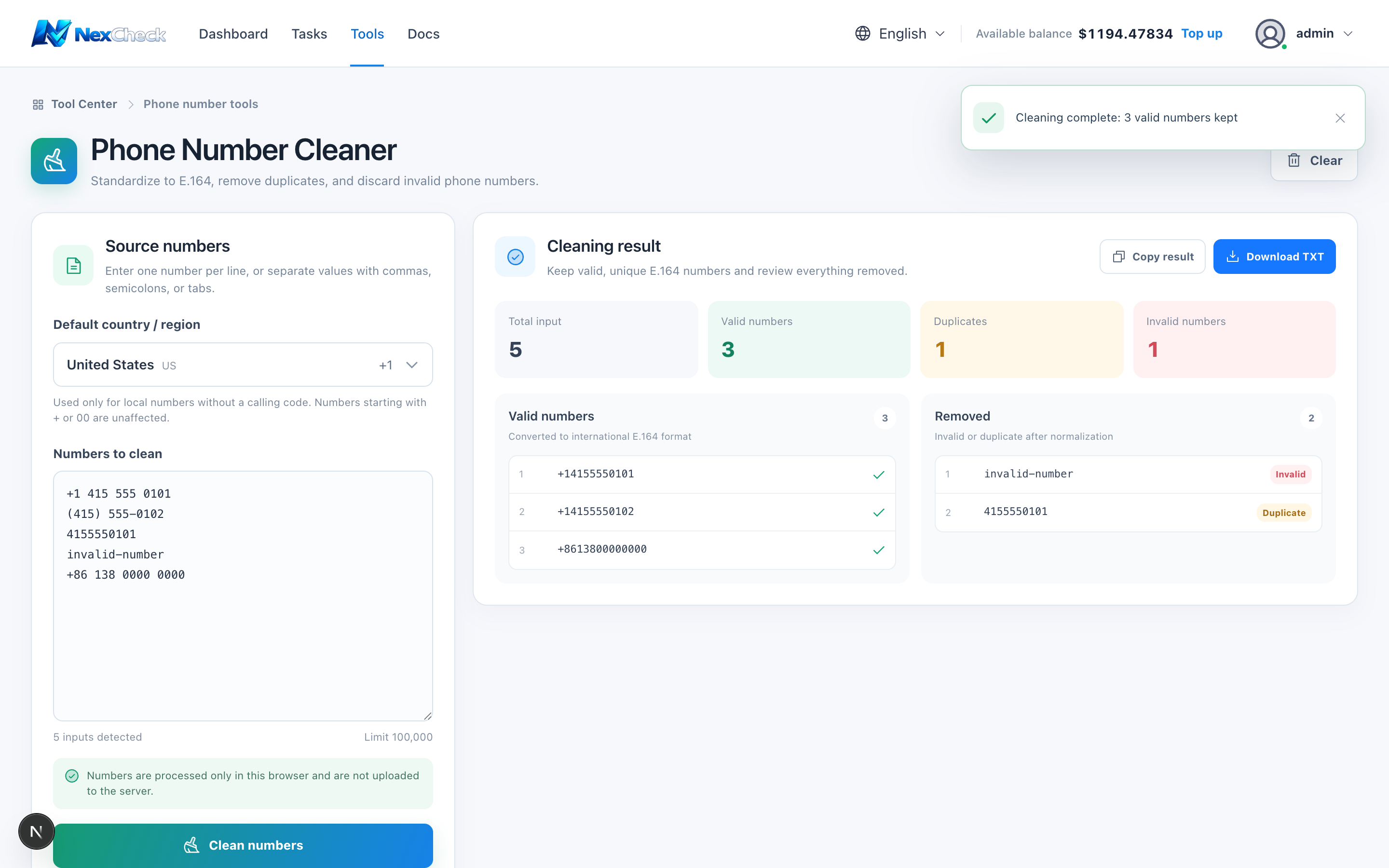
The cleaner recognizes common separators, applies a default country code, converts to E.164, and reports valid, invalid, and duplicate entries.
Steps
- 1
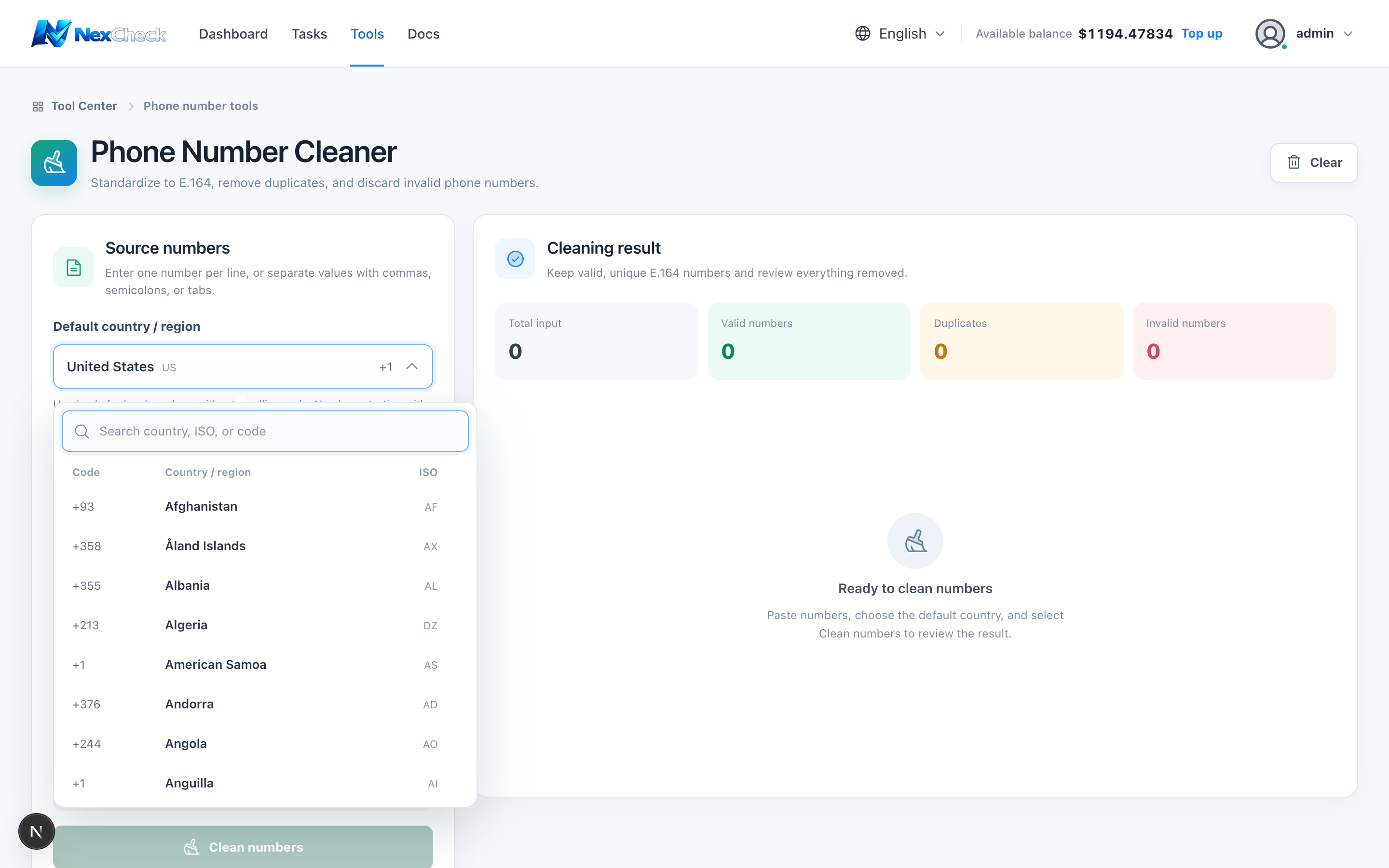
Open the default country or region picker; search by country name, ISO code, or calling code.
- 2
Choose the default country or region for numbers without a country code.
- 3
Paste one phone number per line.
- 4
Run Clean and review valid, invalid, and duplicate counts.
- 5
Copy or download valid results and use them as task input.
Limits and cautions
- You must still verify country assignment; a wrong default can produce well-formed numbers for the wrong country.