Create a check task
Creating a task charges the estimated cost immediately. Confirm the project, country, quantity, and balance before submitting.
Steps
- 1
Select “Use now” on the project card.
- 2
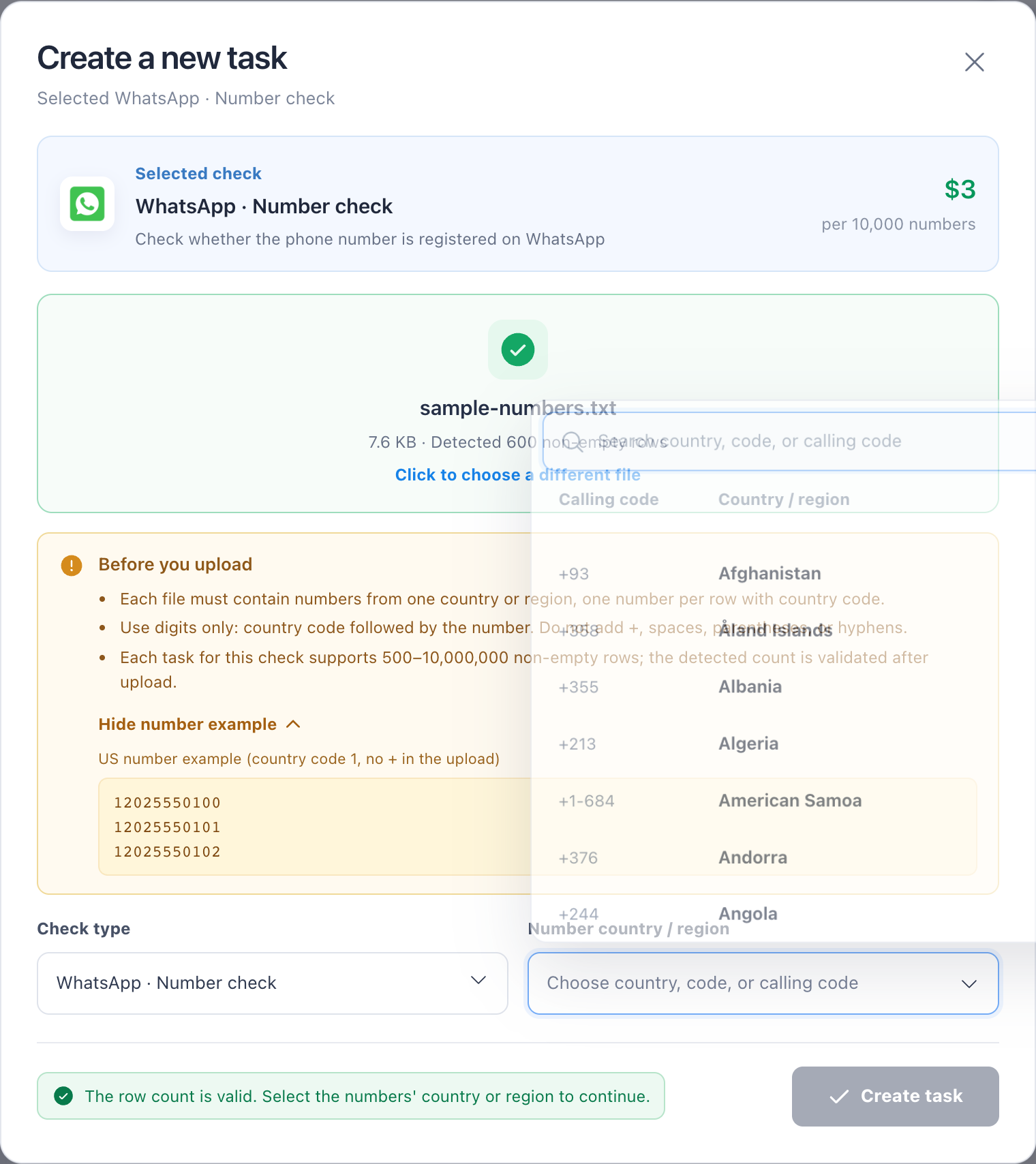
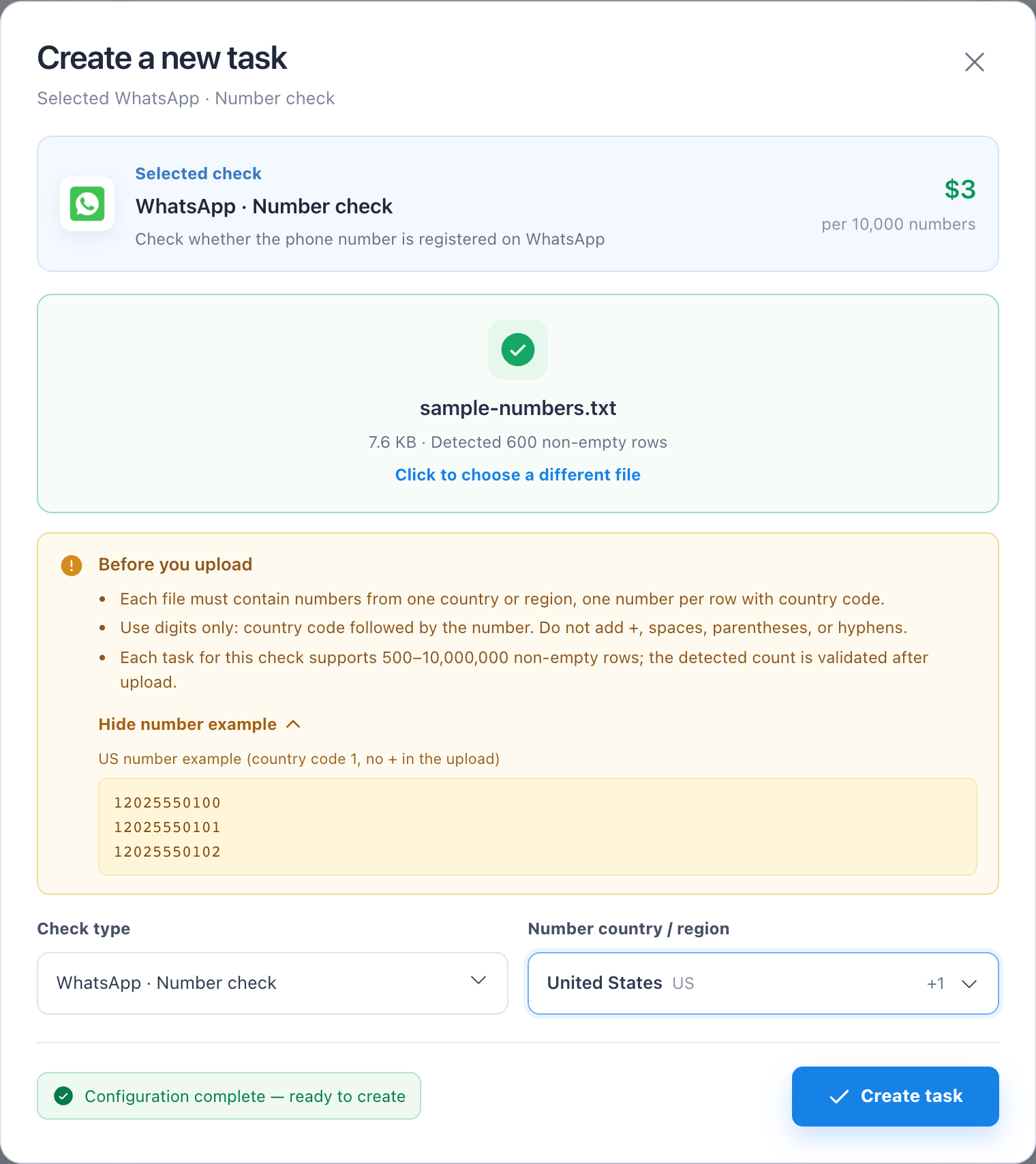
Upload a file matching the project input type.
- 3
For phone projects, choose the country or region; use search to locate it quickly.
- 4
Review quantity, price, and estimated cost, then create the task.
- 5
Keep the task ID from the success message or go directly to Task Center.
Troubleshooting
- NexCheck blocks submission and explains when balance is insufficient, quantity is out of range, input type mismatches, or a country is unsupported.