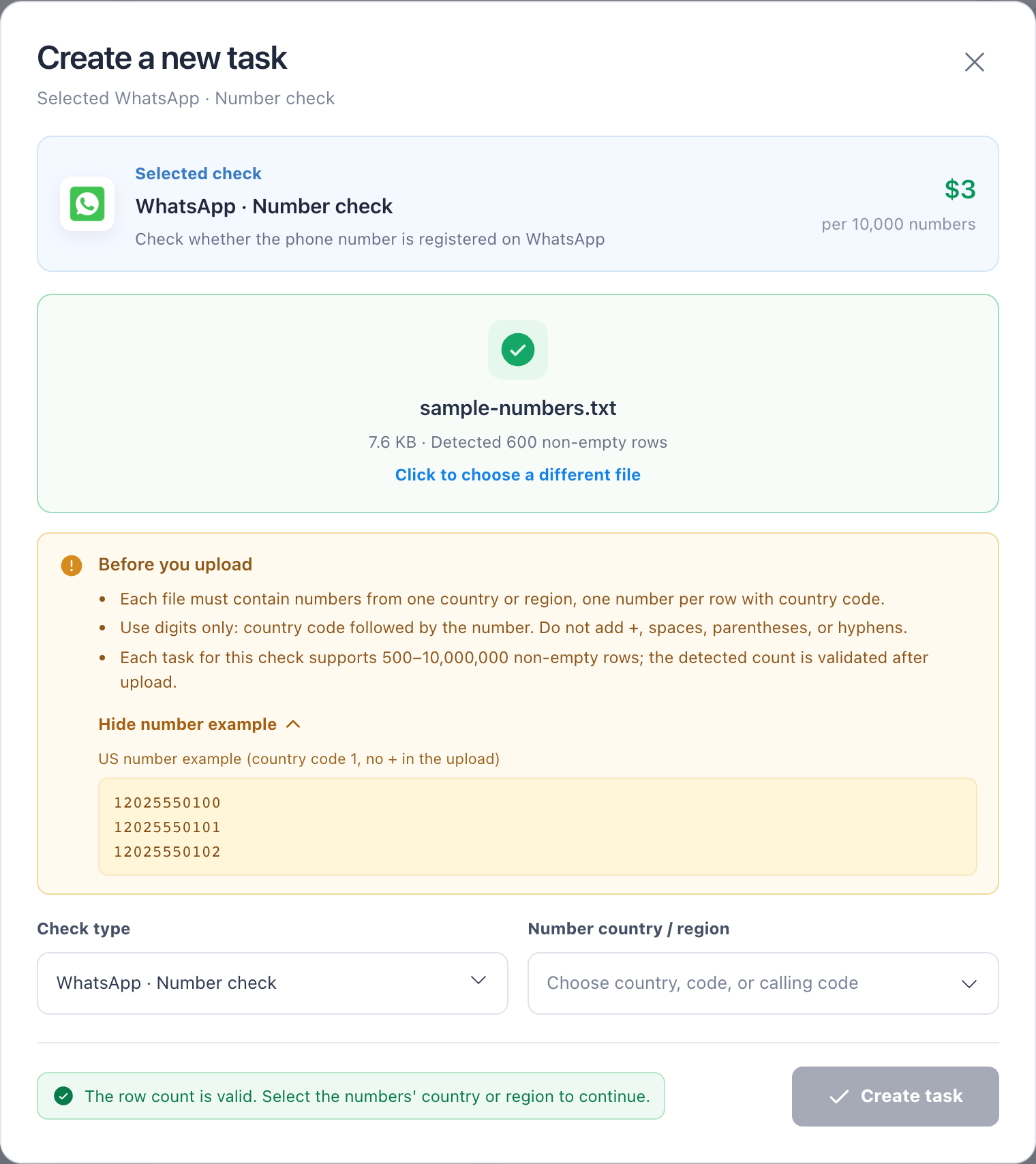
Prepare an upload file
NexCheck supports CSV, TXT, and XLSX. It reads the first CSV column, each TXT line, or the first column of the first XLSX worksheet.
Before you start
- Maximum file size: 100 MiB, 10,000,000 rows, and 32 columns.
- The row count must also be within the selected project’s own minimum/maximum range.
Steps
- 1
Put one target value per row in the first column and remove explanatory text other than an optional header.
- 2
For phone numbers, E.164 format with country code is recommended for more accurate results.
- 3
Remove blank rows. Duplicate values are not deduplicated and are billed normally.
- 4
After upload, verify the detected quantity and file status.