Preview and download results
Successful tasks can be previewed or downloaded from the task row. Preview is for a quick check; download is for storage and further work.
Steps
- 1
Expand a successful task.
- 2
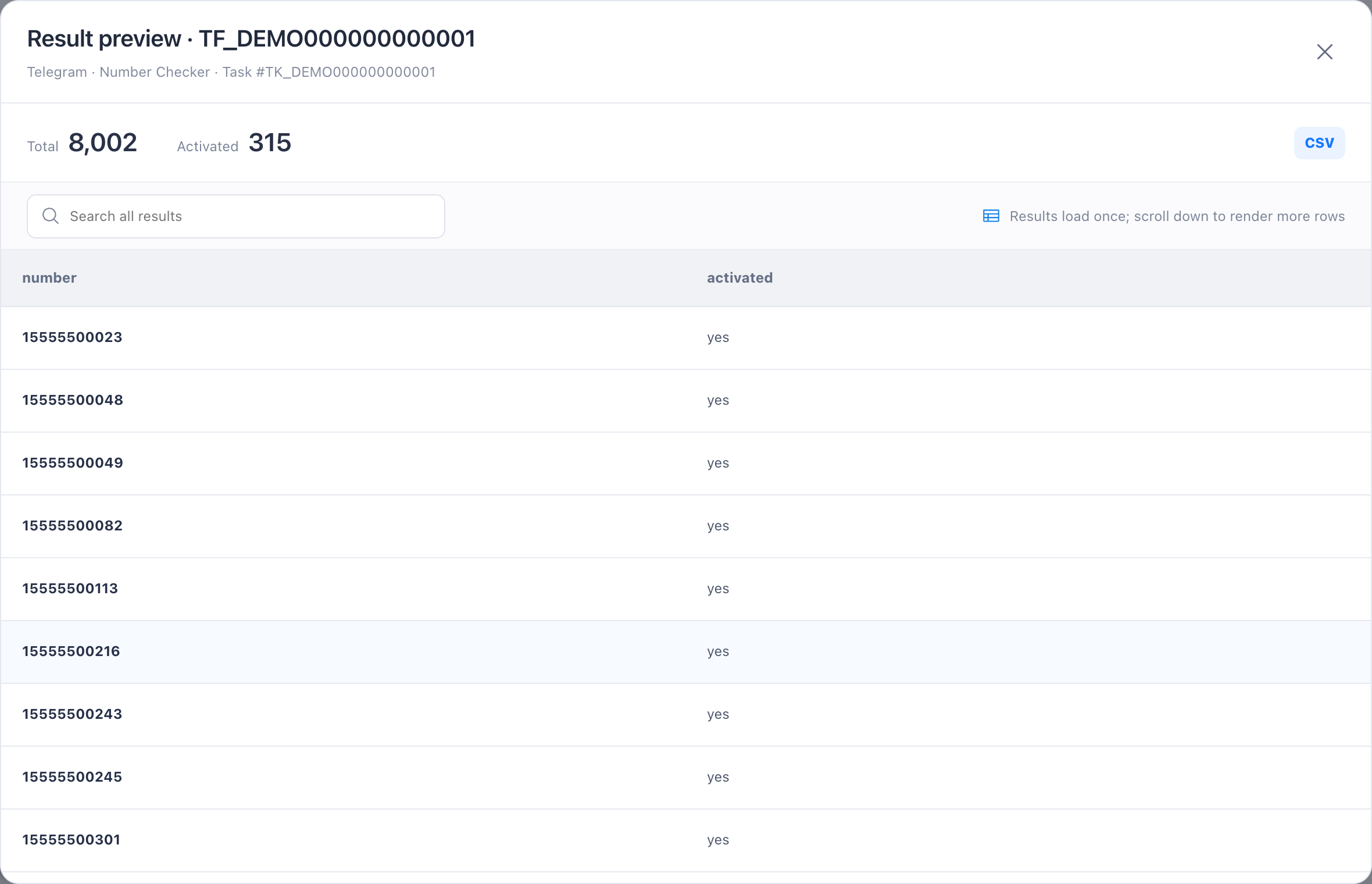
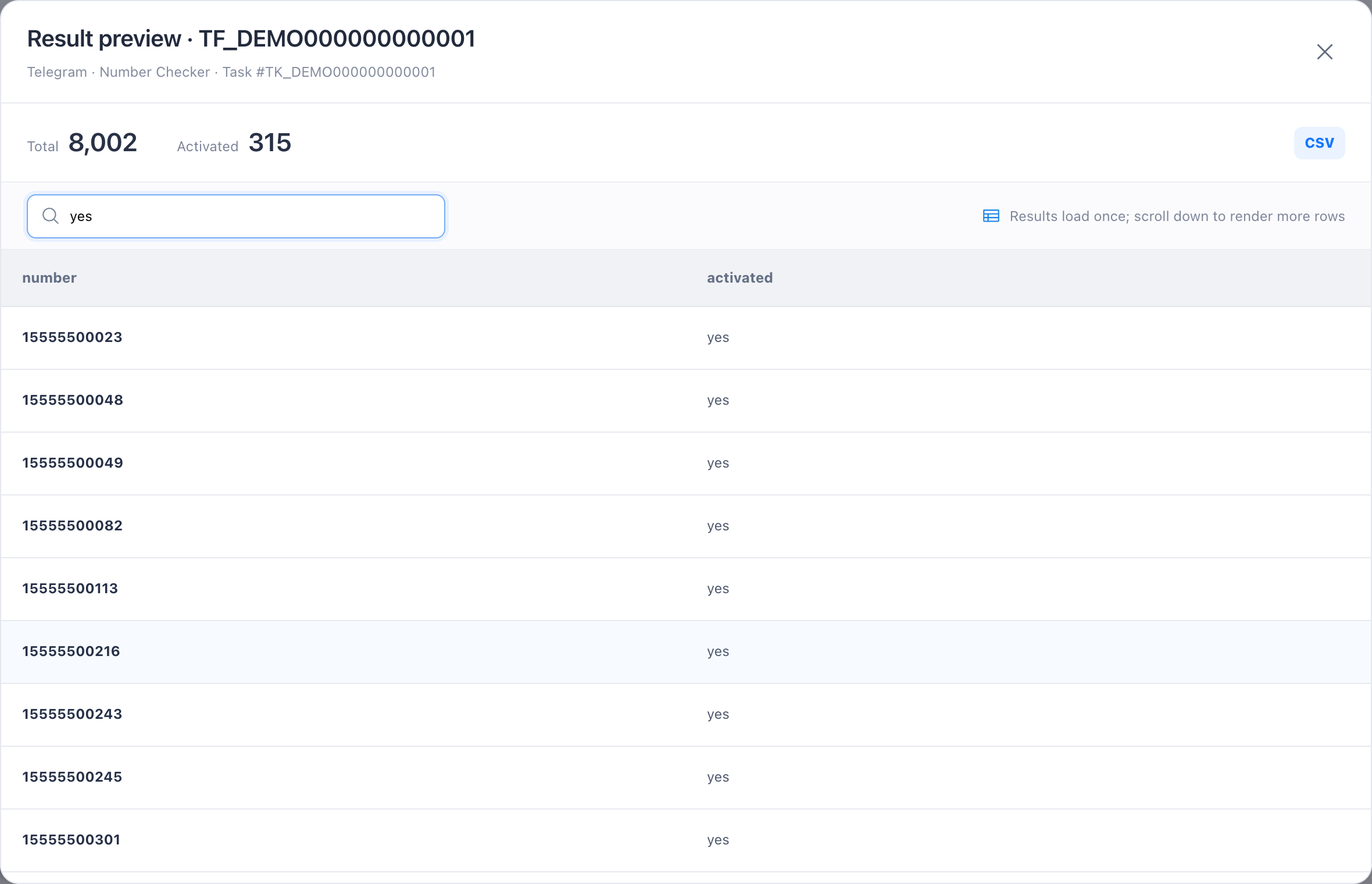
Select Preview to open the table and use search to filter all results.
- 3
Select Download result to save the original result file.
- 4
Verify the file opens correctly and save it promptly to your secure storage.
Limits and cautions
- There is no promised result-retention period; do not use Task Center as a long-term archive.